I got question from my student :
“Is it possible to try PHP5 and Oracle ? I already have working Xampp in my computer .
I my self install Oracle XE on my computer and grant access for my student .
But I have problem when installing Oracle Client , Oracle XE client need 256 MB memory
Since other plugin takes it and make actual memory to 254 MB.
After reading “The Underground PHP and Oracle Manual ” I got proper solution for my student :
1. Download Oracle instant client for windows
2. Extract the file and put all extracted file into one folder , ex : C:\myoracle10
3. Setting PATH
Right Click on My Computer Icon and choose Properties

Choose Environment Variables

You can edit existing “PATH” variables by double clicking PATH line

Add C:\myoracle10 plus ” ; ” sign

Click OK to save
4. Tell PHP to load oracle extension
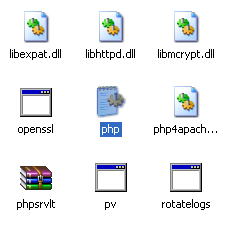
Open php.ini in apache/bin folder
Uncomment line php_oci8.dll

Restart XAMPP
Test the connection by running this file : (save as oracle.php)
$c = oci_connect(‘hr’, ‘palcomtech’, ‘//localhost/XE’);
$s = oci_parse($c, ‘select city from locations’);
oci_execute($s);
while ($res = oci_fetch_array($s)) {
echo $res[‘CITY’] . ”
“;
}
oci_close($c);
Test it in localhost
You should see city names if no error found .
Congratulation